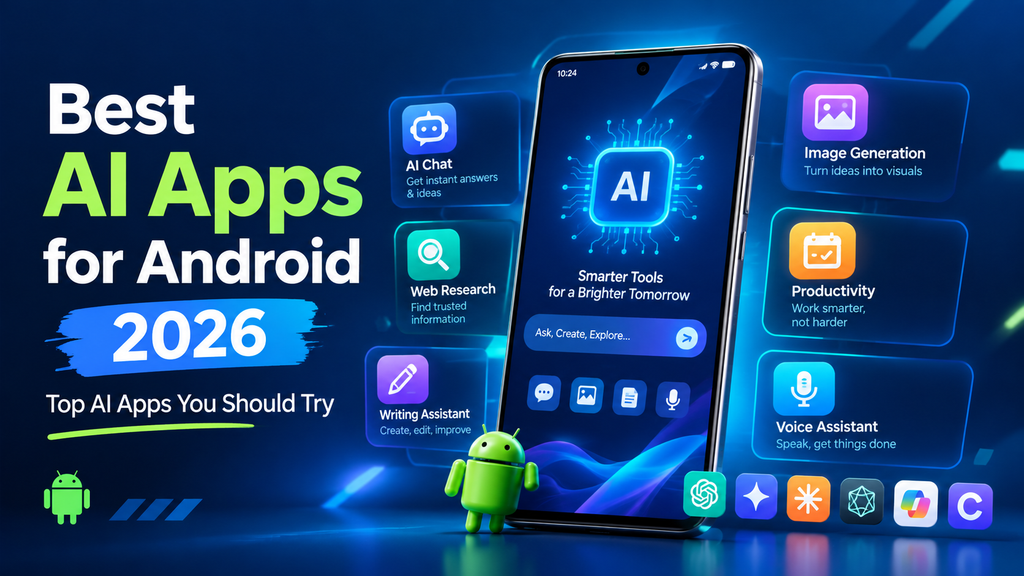
Artificial intelligence has become a normal part of using a smartphone. From answering questions and writing content to creating images, summarizing information, translating text, and helping with everyday tasks, AI apps can make an Android phone much more useful.
If you are looking for the best AI apps for Android 2026 list, there are now plenty of options to choose from. The challenge is not finding an AI app; it is finding the right one for your needs.
Some best ai apps for android are designed for general conversations, while others are better for research, writing, studying, image creation, productivity, or working with documents. Google Gemini, ChatGPT, Claude, Perplexity, Microsoft Copilot, and creative platforms such as Canva are among the major options Android users can consider. Recent 2026 comparisons also show that there is no single AI app that is perfect for every task.
In this guide, we will look at some of the best ai apps for android , what they are good at, and how you can decide which one fits your everyday needs.
What Makes a Good AI App for Android?
Before installing an AI app, it is worth thinking about what you actually want to do with it.
A best ai apps for android should offer more than an impressive chatbot demo. It should be easy to use on a phone, respond reasonably quickly, provide useful results, and offer features that match your requirements.
Here are some factors to consider:
- Ease of use: The interface should be simple on a smartphone.
- Useful AI features: Look for writing, research, voice, image, document, or productivity tools depending on your needs.
- Android integration: Some apps can work closely with other Android or Google services.
- Free availability: Many popular AI apps offer a free option, although advanced features may require a subscription.
- Privacy: Check what information the app collects and how your data is handled.
- Performance: AI features can vary depending on your phone, internet connection, account, and region.
With these points in mind, let’s explore some of the leading choices.
1. ChatGPT
ChatGPT is one of the most versatile AI apps available for Android. It can be used for everyday questions, writing, brainstorming, learning, translation, coding, summarization, and many other tasks.
One of its biggest advantages is flexibility. You can ask a simple question, work through an idea, improve a paragraph, or have a longer conversation about a particular subject.
The Android experience also makes AI assistance accessible from a phone without needing a computer.
What is ChatGPT good for?
ChatGPT can be useful for:
- Writing and editing
- Brainstorming ideas
- Learning new topics
- Summarizing information
- Translation
- Coding assistance
- General questions
- Creative tasks
- Voice-based conversations
- Working with images or other supported inputs
For someone who wants one general-purpose AI application, ChatGPT is a strong option.
However, users should still review important information instead of automatically accepting every AI-generated answer as correct.
2. Google Gemini
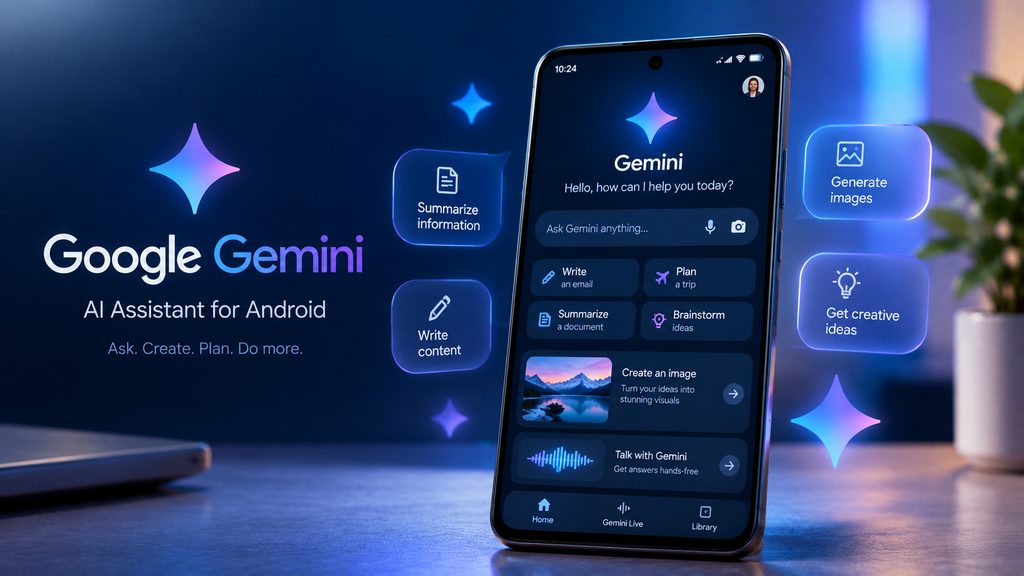
Google Gemini is particularly interesting for Android users because of its close connection with Google’s ecosystem.
Gemini can help with questions, writing, brainstorming, planning, and other everyday activities. Its position within Android makes it especially useful for people who already use Google services.
Recent 2026 developments have also focused on making Gemini more useful while multitasking on Android. Google has been expanding how Gemini interacts with the Android experience, including a floating-bubble style interface that allows users to minimize the assistant while continuing to use other apps.
What is Gemini good for?
Gemini is worth considering for:
- General AI assistance
- Google ecosystem users
- Voice conversations
- Writing
- Summarization
- Brainstorming
- Productivity
- Android-related assistance
- Working with supported Google services
If your daily digital life already revolves around Google products, Gemini may feel particularly convenient.
3. Claude
Claude is another popular AI assistant that Android users can consider.
It is particularly appealing for people who frequently work with written material, longer explanations, documents, and detailed reasoning. Recent comparisons often position Claude as a strong option for thoughtful writing and document-related tasks.
What can you use Claude for?
Common uses include:
- Writing and rewriting
- Summarizing documents
- Brainstorming
- Research assistance
- Coding
- Explaining complicated subjects
- Reviewing text
- Organizing ideas
For students, writers, developers, and professionals who regularly deal with large amounts of text, Claude can be worth trying.
As with other AI assistants, available features and usage limits can depend on the account and plan.
4. Perplexity
Perplexity takes a slightly different approach from a traditional chatbot. It focuses heavily on AI-powered search and research.
One of its useful features is its emphasis on providing sources with answers. This can make it helpful when you want to explore a topic and then check where information came from.
Recent Android AI comparisons consistently identify Perplexity as a strong choice for research and answers with citations.
What is Perplexity good for?
You can use it for:
- Online research
- Finding sources
- Exploring current topics
- Comparing information
- Asking follow-up questions
- Summarizing web information
- Learning about unfamiliar subjects
It can be particularly useful when you do not simply want an AI-generated response but also want supporting sources to investigate further.
Still, sources should be opened and checked, especially when researching important or sensitive subjects.
5. Microsoft Copilot
Microsoft Copilot is another AI assistant worth including in a best AI apps for Android 2026 list.
It is especially relevant for users who already use Microsoft’s ecosystem. Copilot can help with writing, questions, brainstorming, and other AI-assisted tasks.
For people who use best ai apps for android Microsoft products for work or study, having an AI assistant connected to that ecosystem can make certain workflows more convenient.
Why consider Copilot?
Copilot can be useful for:
- Writing assistance
- Brainstorming
- General questions
- Summarization
- Productivity
- Microsoft-related workflows
- AI-powered conversations
- Creative assistance
The exact features available can change over time, so it is a good idea to check the current version and account requirements before relying on a particular feature.
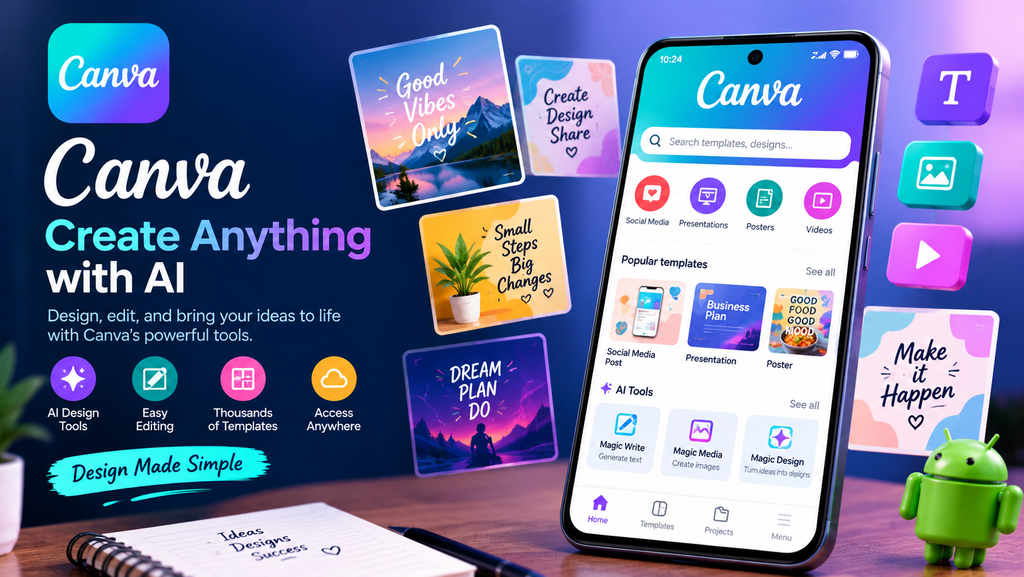
6. Canva
Canva is different from general-purpose AI assistants because its main focus is visual content and design.
best ai apps for android and Its AI-powered tools can help users create or edit visual content, generate design ideas, and speed up creative workflows.
This makes Canva particularly useful for social media creators, bloggers, website owners, students, and small businesses.
What can Canva help you create?
Depending on the available tools and plan, Canva can help with:
- Social media graphics
- Posters
- Presentations
- Thumbnails
- Blog graphics
- Marketing designs
- Image editing
- AI-assisted visual creation
If your primary goal is creating visual content rather than having conversations with an AI assistant, Canva may be more useful than a traditional chatbot.
7. AI Features in Google Photos
You do not always need to install a separate AI application to benefit from artificial intelligence.
Google’s ecosystem has increasingly added AI-powered features to services such as Google Photos. These tools can help users search, organize, edit, and work with their personal photos in supported configurations.
Gemini’s integration with Google Photos has also been highlighted as an area where Google’s ecosystem provides capabilities beyond a basic chatbot experience.
For Android users who take a lot of photos, these features can be more practical than downloading another standalone AI app.
8. AI Apps for Studying and Learning
AI is also becoming a useful study companion.
Students can use AI tools to explain difficult concepts, create practice questions, summarize notes, generate study plans, or approach a topic from different perspectives.
ChatGPT, Gemini, Claude, and Perplexity can all be used for educational tasks, although the best choice depends on what you are studying and the type of help you need.
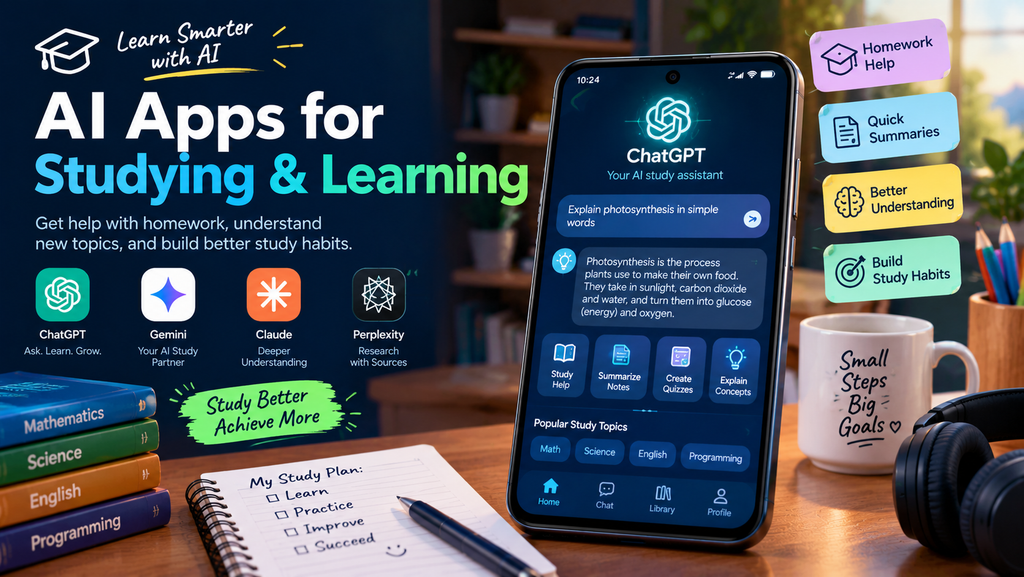
For example, you could ask an AI assistant to:
- Explain a difficult concept in simple English
- Create quiz questions
- Summarize your notes
- Help organize a study plan
- Explain a programming problem
- Compare two concepts
- Generate examples for practice
AI should support learning rather than replace it. Students should understand the material themselves and verify important information.
9. AI Apps for Writing and Content Creation
For bloggers, website owners, social media creators, and students, best ai apps for android writing tools can save time during the early stages of content creation.
ChatGPT and Claude can help generate ideas, create outlines, rewrite sentences, improve readability, and suggest alternative wording. Gemini and Copilot can also assist with many writing-related tasks.
However, simply publishing AI-generated text without reviewing it is not a good content strategy.
A better approach is to use AI as an assistant.
You can start with an outline, add your own experience and information, verify facts, edit the language, and then create a final article that sounds natural.
This is especially important for websites that want to build long-term trust with readers.
10. AI Apps for Research
Research is another area where Android AI apps can be useful.
Instead of opening dozens of browser tabs, you can use an AI assistant to understand a topic, identify important questions, summarize information, and suggest areas that require further investigation.
Perplexity is particularly research-focused because of its source-oriented approach, while ChatGPT, Gemini, and Claude can also be useful depending on the task.
The important thing is to treat AI as a starting point rather than the final authority.
For statistics, technical information, health topics, legal information, financial decisions, or other important subjects, verify information using reliable primary or official sources.
Best AI Apps for Android 2026: Quick Comparison
| AI App | Best For | Main Strength |
|---|---|---|
| ChatGPT | General use | Versatile AI assistance |
| Google Gemini | Android and Google users | Google ecosystem integration |
| Claude | Writing and documents | Detailed text work |
| Perplexity | Research | Source-focused answers |
| Microsoft Copilot | Productivity | Microsoft ecosystem |
| Canva | Design | Visual content creation |
| Google Photos AI | Photos | AI-powered photo organization and editing |
This comparison is a general guide rather than a permanent ranking. AI applications change quickly, and features, availability, pricing, and limits can change throughout the year.
How to Choose the Right AI App for Android
The best ai apps for android depends on what you want to accomplish.
If you want an all-purpose AI assistant, start with ChatGPT or Gemini.
If you spend a lot of time inside the Google ecosystem, Gemini may be the most convenient choice.
If your priority is writing and working with longer documents, Claude is worth exploring.
If you mainly need research and source-based answers, Perplexity is a strong option.
If you work with Microsoft products, Copilot may fit naturally into your workflow.
If you create graphics, social media posts, thumbnails, or presentations, Canva can be more useful than a traditional chatbot.
You also do not necessarily have to choose only one app. Many Android users can benefit from using different AI tools for different jobs.
Are AI Apps Free on Android?
Many popular best ai apps for android can be downloaded and used without immediately paying for a subscription. However, free versions commonly have limitations, and advanced models or features may require a paid plan.
The exact limits can change, so avoid choosing an app based only on its free or paid label.
Instead, consider how frequently you will use it and which features actually matter to you.
For occasional questions, a free plan may be enough. Someone using AI every day for writing, research, coding, or creative work may find a paid plan more useful.
Things to Check Before Installing an AI App
Before downloading any AI application, consider the following:
Check the developer
Download apps from official and reputable sources whenever possible. Avoid unknown APK files that claim to provide premium AI features for free.
Review permissions
Pay attention to the permissions requested by an application. An AI tool should not automatically receive access to information that it does not need.
Read the privacy information
Understand what data the application collects and how that information may be used.
Keep the app updated
AI applications receive frequent improvements and security updates. Keeping apps updated can provide access to newer features and fixes.
Avoid sharing sensitive information
Do not enter passwords, banking details, private documents, or other sensitive information into an AI tool unless you understand how that information is handled and have a legitimate reason to provide it.
Why AI Apps Are Becoming More Important on Android
The biggest change is that AI is moving beyond simple question-and-answer chat.
Modern AI applications increasingly combine text, voice, images, search, documents, and other forms of interaction.
Android is particularly interesting because AI can be integrated more closely with the phone experience. Current 2026 developments around Gemini demonstrate how AI assistants are becoming more closely connected to multitasking and the operating system.
This means future Android AI tools may feel less like separate applications and more like assistants that are available throughout the phone.
Final Thoughts
The best AI apps for Android 2026 list is not really about finding one application that wins every category. Different AI apps are designed for different purposes.
ChatGPT is a flexible choice for everyday AI assistance, Gemini stands out for Android and Google integration, Claude is useful for writing and document work, Perplexity is a strong research option, Copilot fits Microsoft users, and Canva is a practical choice for visual content creation.
The best approach is to identify your main goal first and then choose an application that fits that workflow.
AI can save time, generate ideas, explain difficult subjects, and make everyday smartphone tasks easier. At the same time, it is important to review AI-generated information, protect your privacy, and use reputable sources when accuracy matters.
As AI continues to develop throughout 2026, Android users will likely see even more tools moving from simple chat interfaces toward assistants that can understand context and help with real-world tasks.